Turning on IPv6 wrecked my gaming latency — here's why it's a hardware issue
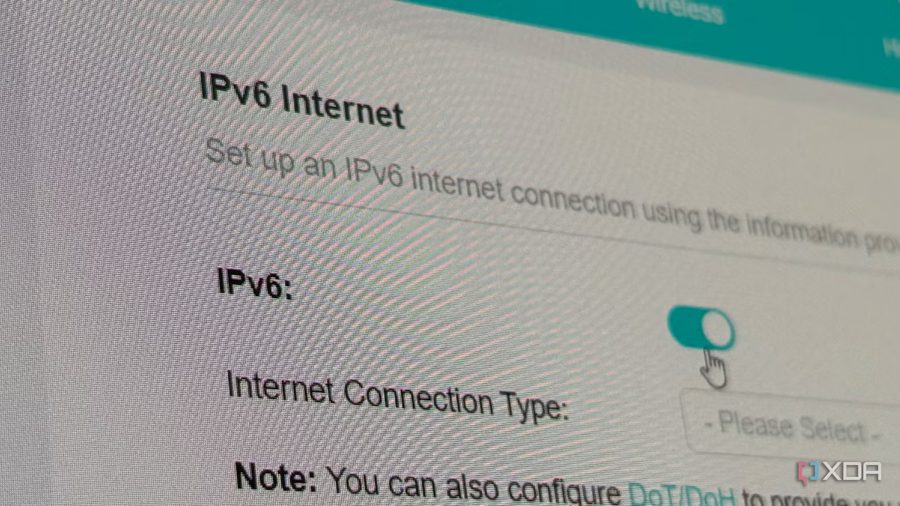
A journalist at XDA Developers recently switched to a new ISP and found himself trapped in a carrier-grade NAT jail, which blocked outgoing IPv4 connections for self-hosting. The ISP offered a dedicated IPv6 address, so he enabled it and bound some services to it. While those services worked without issues, he began noticing strange behavior in non-IPv6 applications.
His gaming sessions were plagued by intermittent latency spikes in VoIP and game servers. In some cases, the latency became high enough to disconnect him entirely from the server. The problem disappeared immediately after disabling IPv6, suggesting that the router's hardware struggled to handle both protocols simultaneously.
The culprit wasn't IPv6 itself, but the hardware's ability to process dual-stack traffic. The traffic that caused the issues—Discord and game servers—never actually touched IPv6. Discord and games like Escape From Tarkov, Counter-Strike 2, and Battlefield 6 all run their servers exclusively over IPv4. Even Steam, EA services, API hosts, and Tarkov's game services rely on IPv4. When a PC needs to connect to a server by name, it asks DNS for that name's associated IP address: an A record for IPv4, or an AAAA record for IPv6. If the server has no AAAA record, no IPv6 connection is established. In the author's case, all gaming and VoIP traffic was IPv4, but the enabled IPv6 created additional overhead on the router, causing lag and disconnections.
The author notes that many modern routers and consumer-grade hardware are not optimized for dual-stack operation, especially when handling real-time traffic like gaming and VoIP. The issue is not unique to his setup; other users have reported similar problems when enabling IPv6 on older or budget routers. The solution, at least for now, is to disable IPv6 if it causes performance degradation, or to upgrade to a router that can handle both protocols efficiently.