Your modem hides a secret log of every internet outage — here's how to read it
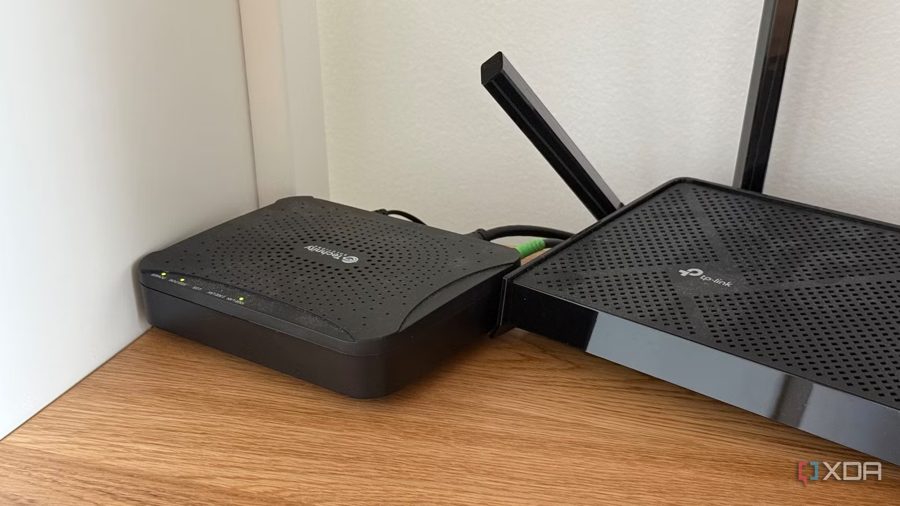
Few tech problems are as frustrating as intermittent internet drops. The connection holds for hours, but the moment you start something important, it fails. By the time you reach tech support, everything is working again, and they rarely have useful answers. Yet the evidence of these outages does exist — it's recorded by your modem, the device almost nobody thinks to log into.
The modem's role is narrower than most people assume. In a typical home setup, it simply converts the radio frequency signal arriving over a coaxial cable into standard Ethernet frames. It does not handle routing, NAT, or Wi-Fi. Those tasks belong to the router, even when both devices share the same physical chassis.
When the modem boots, it scans for a channel and locks onto one. Then it runs a process called ranging, which negotiates timing and transmit power. Only after these steps does it request an IP address, pull its configuration from the ISP, and come online. Ranging continues throughout the session, and if it fails at any point, the modem drops the connection and restarts the process. The modem also maintains an event log that records every such failure.
To access this data, you need the modem's IP address. It is often 192.168.100.1, but you can find the exact value by checking your computer's network settings — look for the default gateway. Enter that address in a browser, and you will see the modem's status page. It typically includes sections for connection status, channel information, and an event log.
The event log displays entries such as "Ranging Request retries exhausted" or "T3 time-out." These indicate that the modem failed to complete ranging and reset the connection. If such errors appear frequently, the issue is likely on the line: weak signal, noise, or a damaged cable. Your ISP can check this remotely, but only if you provide the exact error messages.
You should also monitor signal levels. For Docsis 3.0 and 3.1 modems, normal Downstream Power ranges from -10 to +10 dBmV, and Signal-to-Noise Ratio (SNR) should be above 30 dB. Values outside these ranges point to a fault on the provider's side. Entries like "Uncorrectable Codewords" also indicate cable or equipment problems.
The simplest fix is to call your ISP, mention the modem model, and describe the errors you see. Tech support can then check the line and, if necessary, send a technician. In some cases, replacing cables or connectors helps, but the problem often requires action from the operator's end.