Ultrawide monitors in 2026: 34 inches and 21:9 — the workspace that kills Alt+Tab for good
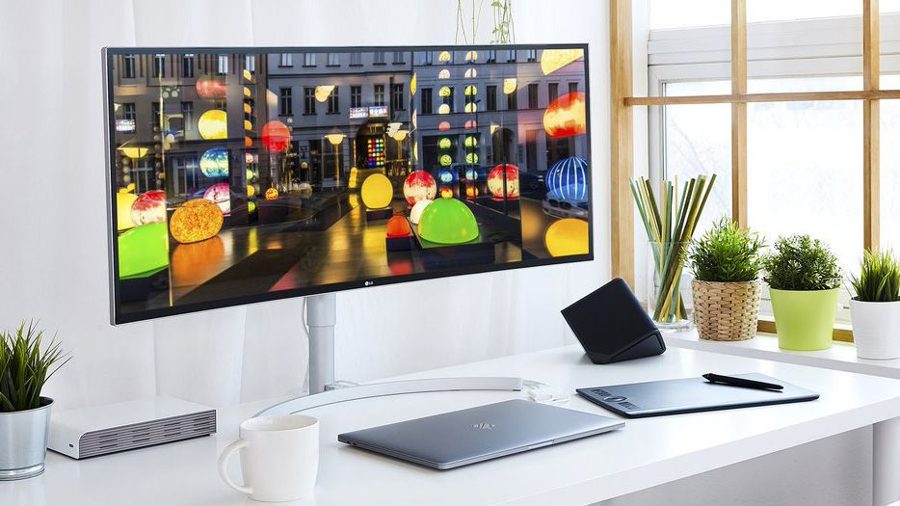
A standard 16:9 screen often feels cramped when you have layers, color wheels, brushes, and reference images open at the same time — windows literally squeeze each other on the desktop. Ultrawide monitors with a 21:9 or even 32:9 aspect ratio let you stretch the workspace and forget about the Alt+Tab combination forever.
The best ultrawide monitor delivers at least a 21:9 aspect ratio, not the familiar 16:9. Some models go as far as an incredible 32:9. Either way, you get luxurious extra screen real estate: you can review a stack of photos side by side, keep windows next to each other, and comfortably fit all tool panels in your favorite editor without feeling cramped.
So how do you pick the perfect ultrawide? First, decide on the size. Because of the stretched format, it is recommended to go for monitors with a diagonal of at least 34 inches — this way you maintain a comfortable vertical height comparable to a classic display. This ensures you don't lose the vertical workspace that editors rely on for timelines, toolbars, and previews.
Ultrawide monitors are particularly useful for photographers and video editors who need to compare multiple images or timelines simultaneously. The extra width eliminates the need to constantly switch between windows, making the workflow smoother and more efficient. With a 34-inch or larger ultrawide, you can have your main editing canvas in the center, reference images on one side, and tool panels on the other — all without overlapping.