External drives in 2026: HDD for budget, SSD for speed — how to pick for video editing and backups
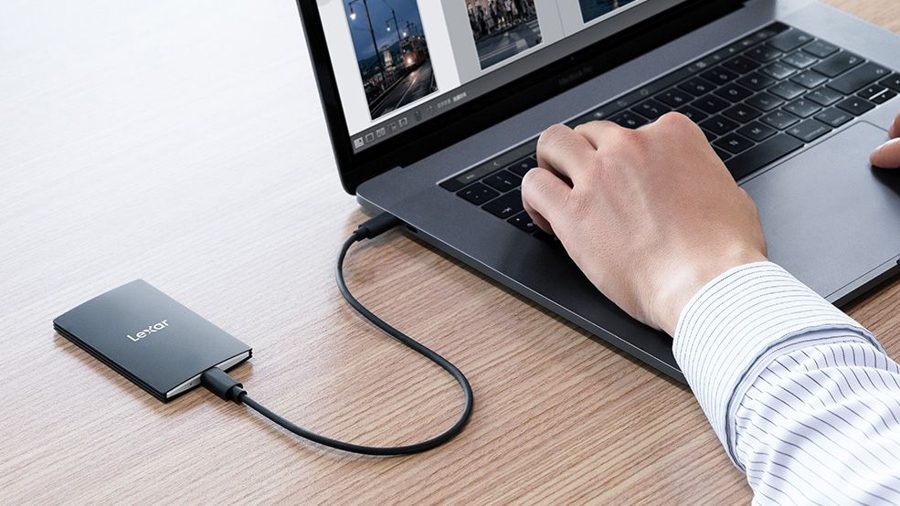
In 2026, external drives remain a practical choice despite the dominance of cloud storage services. They offer mobile storage for photos, videos, and reliable backup without depending on internet speed. When your computer runs out of space, an external drive becomes an essential tool, especially for those who shoot or edit video content.
The market offers two main types of devices. Traditional hard disk drives (HDD) use spinning magnetic platters inside. They are slower than SSDs but cost significantly less and can be combined into RAID arrays to boost speed and reliability. This makes them a solid choice for large archives and budget-conscious users.
Solid-state drives (SSD) are faster, more compact, and easier to carry around, which is a major advantage for mobile editors. Their main drawback is the higher price per gigabyte. For video editing, SSDs are preferable because they accelerate rendering and handling large files, but HDDs remain a practical option for storing finished projects and backups when speed is not critical.
The choice between HDD and SSD comes down to your specific needs. For daily video work and frequent file transfers, an SSD is the better pick. For long-term storage of large volumes, an HDD makes more sense. The optimal strategy is to combine both: keep active projects on an SSD for quick access, and use an HDD for archives and backups. This way, you get speed where it matters most and cost-efficiency for everything else.