Claude adds built-in Word, Excel, PDF and PowerPoint skills — here's how to turn them on
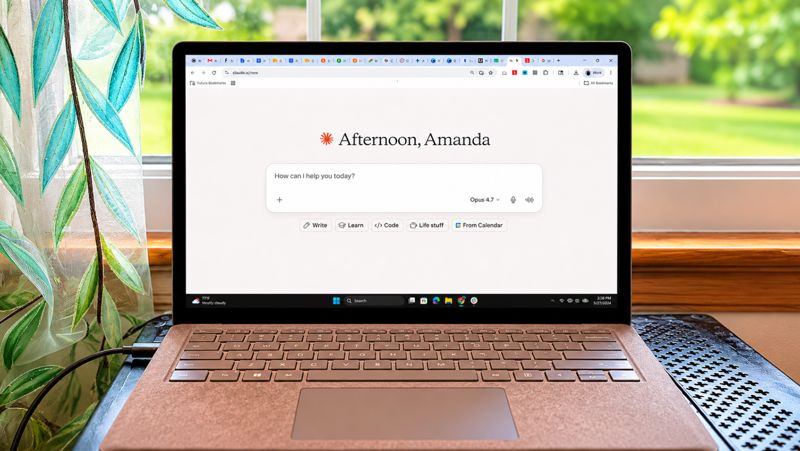
Anthropic's Claude chatbot can now do more than answer questions or help edit text. It has four built-in skills for creating Word documents, Excel spreadsheets, PDFs and PowerPoint presentations, available to all users from the free tier to Team and Enterprise accounts. No GitHub downloads or Claude Code knowledge are required.
The key point is that Claude doesn't just generate content for you to copy into another program. It produces a finished file complete with formatting, formulas, charts and page layouts. You can download it, open it in the appropriate application and continue editing.
To find the built-in skills, open Claude and click your name or initials in the lower-left corner. Go to Settings, open Capabilities and make sure Code execution and file creation is enabled. Then return to the main screen, open Customize and select Skills — you'll see Anthropic's built-in skills for Word documents, Excel spreadsheets, PDFs and PowerPoint presentations. Turn on the ones you want.
Once enabled, the skills work automatically. You don't need to select the Word skill before creating a document or the Excel skill before making a spreadsheet. Just tell Claude what you want and specify the finished file type, such as an editable DOCX, XLSX or PPTX file.
If the Skills section doesn't appear, check whether code execution and file creation are turned on. Team and Enterprise accounts may require an administrator to enable skills for the organization.
The first skill handles Word documents. For instance, you can ask Claude to turn rough notes into a polished document with a title, a short introduction and clear section headings, keeping a conversational tone while preserving all links and direct quotes. The result comes as an editable DOCX file.
The second skill works with Excel spreadsheets. Claude can take raw data and turn it into a structured table with formulas and charts, saving you from manual data entry and calculation setup.
The third skill creates PDF files. The chatbot produces a ready PDF with the desired page layout, which is convenient for reports, instructions or other materials that need to look professional.
The fourth skill builds PowerPoint presentations. Claude assembles slides with formatting and structure that you can then open in PowerPoint and refine as needed.
All four skills are available to free users as well as Pro, Max, Team and Enterprise subscribers. They are built directly into Claude and require no additional installations.