5 self-hosted apps that can save students hundreds of dollars this school year
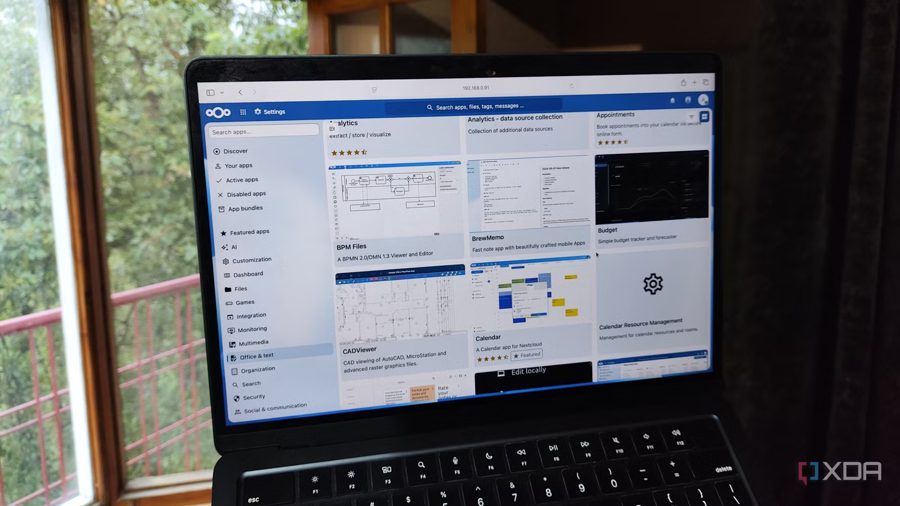
Cloud-based productivity tools look appealing at first glance: you fire up a browser, log in, and get to work from any device without worrying about hardware specs or backups. But the reality is less rosy. Most cloud apps lock essential features behind paid subscriptions, quietly adding up to dozens of dollars per month just to keep your application stack running. Privacy is the second major headache — for school projects and personal documents, few people want companies sifting through their data.
Self-hosting your own apps has never been easier, and you can set up a surprisingly capable student toolkit even on modest hardware. Here are five open-source tools that replace paid services and pay for themselves within months.
ConvertX is a no-nonsense file converter that runs entirely on your machine. Anyone who has tried converting a JPEG to PNG or an Office document to an obscure format knows the pain of watermarked output, missing batch processing, and ad-infested websites. ConvertX supports hundreds of formats, including specialized extensions, 3D models, LaTeX documents, and video files. Because everything happens locally, you can convert entire terabytes of files without uploading a single byte to a third party.
Vaultwarden is a self-hosted password manager that works with the official Bitwarden apps. The cloud version of Bitwarden charges for premium features like unlimited items and encrypted file attachments; with Vaultwarden, you get all of that on your own server for free. It is a drop-in replacement that keeps your credentials under your control.
AppFlowy is an open-source alternative to Notion for notes, wikis, and project tracking. It stores data locally, works offline, and lets you share pages with classmates through your own server. No subscription needed, no data leaving your network, and the interface feels familiar to anyone who has used modern note-taking apps.
Syncthing handles file synchronization between your laptop, phone, and tablet without any cloud middleman. It replaces paid storage plans by syncing folders directly between devices over your local network or the internet, with end-to-end encryption. Set it up once, and your lecture slides and assignments stay in sync automatically.
Paperless-ngx digitizes and organizes your paperwork. Feed it scans of receipts, syllabi, and handwritten notes; it runs OCR, tags documents, and sorts them by date. Full-text search then finds any document in seconds. It is like having a personal archivist that never sleeps.
All five applications are free and open source. Together, they replace subscriptions that cost anywhere from $10 to $50 per month — adding up to several hundred dollars saved over a single academic year.