Use Your Laptop Keyboard to Set Up a Headless Pi: Two RP2040 Boards Do the Trick
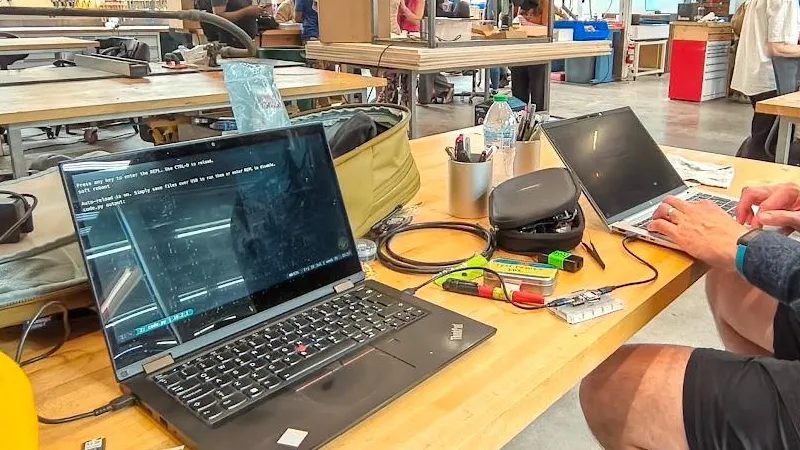
A maker known as has come up with a practical fix for a familiar annoyance: the first boot of a single-board computer like a Raspberry Pi when no spare keyboard is available or the desk is already too cluttered for another full-size peripheral. His solution lets you use the keyboard built into your laptop to type on another machine.
The trick is both clever and straightforward, as it implements only the K part of a KVM switch. On the laptop side, an RP2040 board acts as a USB-to-serial adapter, with no receiving end involved. The serial link runs to a second RP2040, which does the interesting work: it converts the incoming serial data into USB HID keyboard events. As a result, every keystroke made on the laptop travels down the serial connection and appears on the target computer as if it came from a locally attached USB keyboard.
This setup is enough to get through the initial configuration of a device that would otherwise be completely headless. Once the system is up, you can switch to SSH or any other remote access method and carry on as usual. The source code has been released, so anyone with a couple of RP2040 boards can build the same thing.
The author points out that the hack is meant for those rare moments of improvisation when an extra keyboard is needed but not readily available. It is a low-cost, easy-to-assemble workaround that saves you from digging out a spare keyboard or rearranging your workspace. The project is a neat example of solving a common problem with minimal hardware and a bit of clever firmware.