Splitting Wi-Fi into separate networks fixes problems you didn't know existed
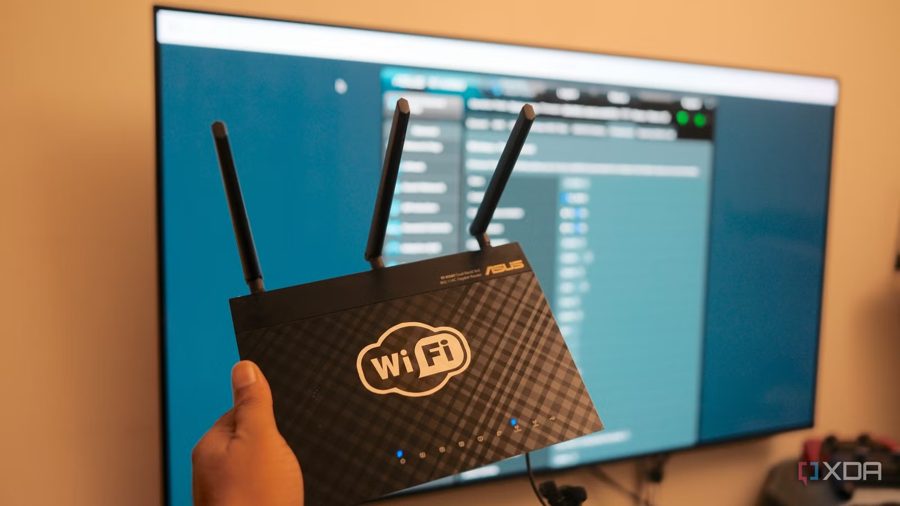
Separating your home Wi-Fi into distinct 2.4 GHz and 5 GHz bands with different names can eliminate a whole class of issues that are often mistakenly blamed on the router or internet provider. The author of the piece, after dealing with constant smart home failures and slow device pairing, reverted to this old scheme when modern band steering technology and the new 6 GHz band only made things worse.
The root cause is a combined SSID, where the router decides which band a device should use. In practice, this is just a suggestion: the final say always rests with the client, and many Wi-Fi chipsets ignore router instructions entirely. As a result, a phone may stubbornly cling to 2.4 GHz even after leaving home, while smart speakers and sensors drop connections for no apparent reason.
This becomes especially painful when setting up smart home devices. Most IoT gadgets only work on 2.4 GHz, prioritizing range and low cost over speed. Pairing apps require the phone and the device to be on the same band, but with a combined SSID, the phone is almost always on 5 GHz or 6 GHz. Manufacturers are aware of this and add a button to routers for temporary band splitting, but that doesn't always help.
Splitting the network into three separate SSIDs—one per band—fixed all these issues at once. Smart home devices got their own dedicated 2.4 GHz network, pairing now succeeds on the first attempt, and gadget batteries stopped draining mysteriously fast. An extra bonus: isolating IoT devices on a separate network simplifies firewall rules and segmentation, protecting other devices from potentially insecure gadgets.
This simple settings change is worth trying before upgrading to a more expensive router. For years, the author misdiagnosed connection problems as hardware faults, when the real culprit was the combined SSID and band steering.