Old ASUS router gets a second life: turning it into a separate smart home network without buying new gear
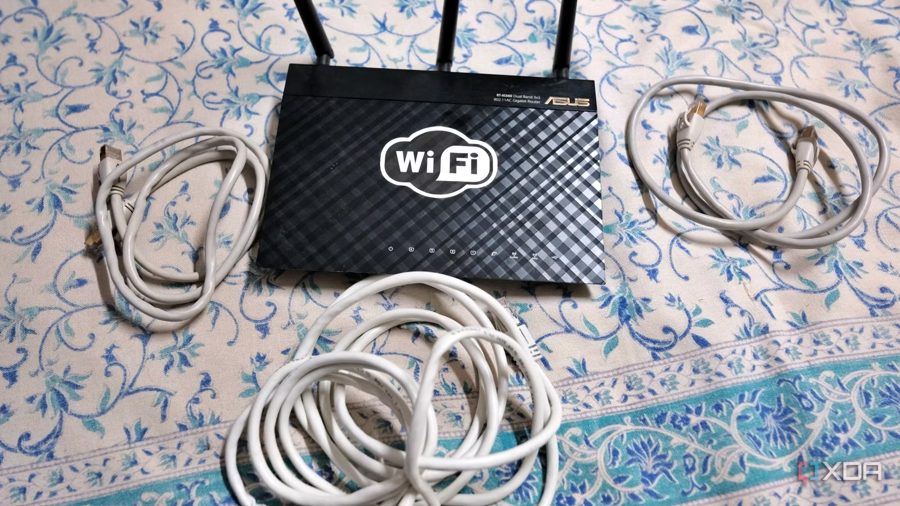
Instead of purchasing new networking equipment to segment a smart home, an old router gathering dust in a drawer can do the job. The author of the piece faced a problem: dozens of IoT devices and self-hosted services ended up on the same subnet as primary computers and phones, creating security risks.
The issue emerged after expanding the home infrastructure. Starting with a Raspberry Pi 4 for Home Assistant, the user then moved to an HP ProDesk 600 G6 mini PC with a USB Zigbee coordinator dongle and Proxmox. In less than a month, about a dozen smart devices joined the network, none of which had the same level of protection as the main work machines.
The solution was to repurpose the old ASUS RT-AC66U, replaced by an RT-AX88U over a year ago. The router, based on a Broadcom chipset, had not received official firmware updates for years, so the author turned to custom builds. Installing FreshTomato added VLAN tagging support and other options missing from the stock firmware.
The plan was to use the AC66U as a second router, creating a fully isolated network for all smart devices. Spare Cat6a cables left over from previous wiring projects were used for the connection. Thus, the upgrade required no financial outlay — just old components and some time for configuration.
The author notes that AsusWRT-Merlin was initially considered as the top candidate for firmware, but FreshTomato was chosen due to active development and the needed features. This approach allows isolating untrusted IoT devices from the main network without buying extra hardware, which is especially relevant for those who already have old routers lying around.