Five ways to get the best audio out of your PC — from simple fixes to pro gear
Modern desktop PCs and laptops are rarely praised for their built-in audio. Manufacturers prioritize graphics cards and processors over high-end sound components, as those are the specs that catch buyers' attention. However, laptop makers have made serious strides recently. HP has partnered with Bang & Olufsen, Samsung owns several high-profile audio brands including Harman Kardon, and newer Apple MacBook speakers sound notably better than models from a decade ago. But laptops are still limited by their form factor — there's only so much physical space for speaker drivers and enclosures.
These constraints push users toward external solutions. Here are five proven ways to significantly improve your PC's audio.
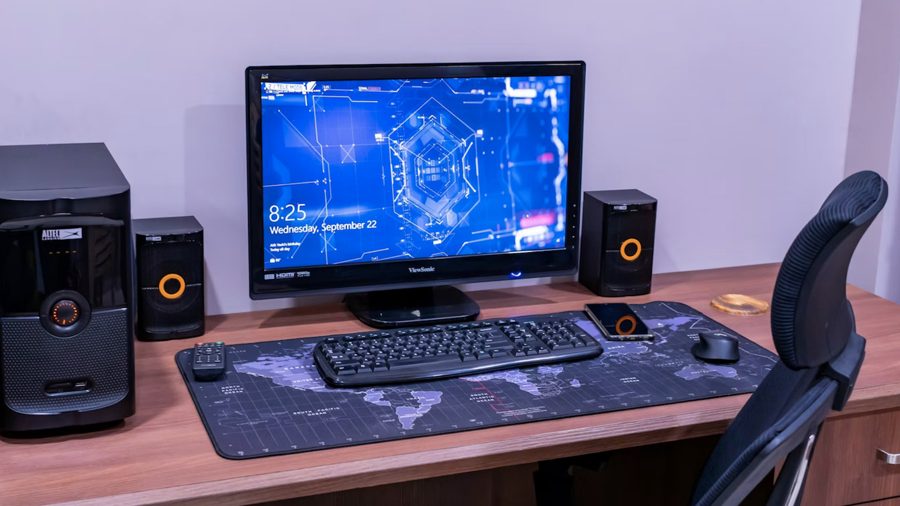
External speakers remain the most straightforward upgrade. The technology has evolved far beyond the tinny bookshelf speakers of the past. Today's options include models with built-in digital-to-analog converters (DACs), which generally deliver cleaner sound by processing the audio signal outside the noisy PC chassis. You can choose wireless speakers, full systems with subwoofers, or passive speakers that require an external amplifier. The key is to match the solution to your budget and listening environment.
Headphones with a DAC and amplifier offer a more personal upgrade path. Connecting headphones through a USB DAC bypasses the internal sound card, which is often a source of electrical interference and low-quality conversion. An external DAC paired with a dedicated headphone amplifier provides greater detail, better separation, and cleaner sound, especially with high-impedance headphones that demand more power.
A standalone USB DAC is a compact solution for those who want to keep their existing speakers or headphones. This small device plugs into a USB port and replaces the built-in audio output. It handles digital-to-analog conversion externally, isolating the signal from the electrical noise inside the computer. The improvement is most noticeable with decent headphones or speakers — the soundstage widens, and background hiss often disappears.
Room acoustic treatment is a less obvious but highly effective method. Even expensive audio gear will sound poor in a room with bare walls and hard floors. Sound waves reflect off these surfaces, creating echoes and frequency cancellations that muddy the audio. Adding carpets, curtains, upholstered furniture, or dedicated acoustic panels absorbs these reflections, reducing reverb and making the sound cleaner and more precise. This is often the cheapest high-impact upgrade you can make.
Software adjustments are the most accessible option. In Windows, you can disable all audio enhancements in the sound settings — these often introduce distortion and latency. In macOS, the built-in equalizer and the "Headphone Accommodations" feature let you fine-tune frequency response for your hearing or headphones. Also check your audio driver's control panel; it may hide useful options like sample rate selection, room correction, or virtual surround sound. Sometimes simply turning off "loudness equalization" or "bass boost" reveals a much cleaner sound signature.