Docker on Proxmox: VM or LXC — the choice depends on your hardware
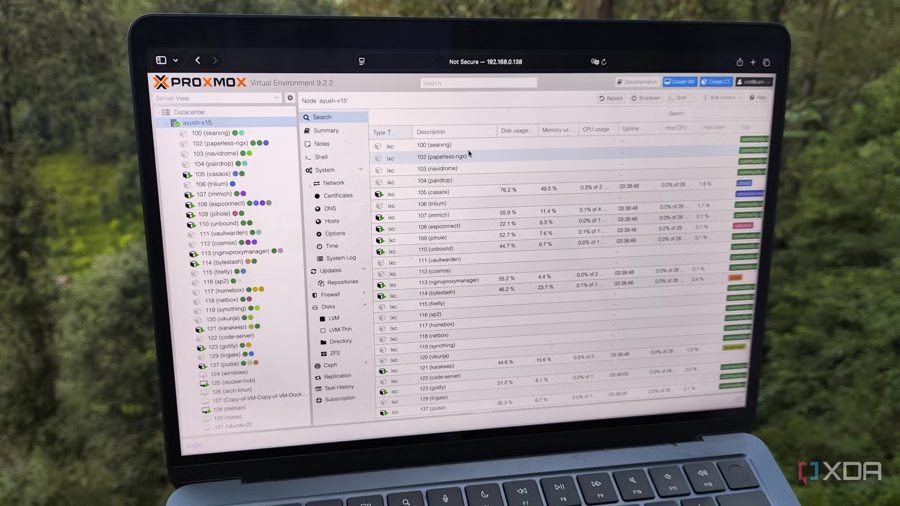
Choosing the right way to run Docker on Proxmox depends entirely on your hardware and use case, and it took years of experience to realize there is no one-size-fits-all answer. Proxmox Virtual Environment ships with excellent virtualization and LXC management tools, but certain projects inevitably require Docker. Perhaps you are new to Proxmox and want a familiar method for spinning up free and open-source tools in containers. Or maybe you need to deploy an obscure service that lacks dedicated LXC packages or fails to install as an OCI-based container on Proxmox.
For a long time, the author stuck to running Docker inside virtual machines, considering it the safest approach for configuring these environments on PVE. This is also the method recommended in the official Proxmox documentation. As long as you have an 8-core system with at least 8 GB of RAM, you can spin up a minimal Linux VM — Ubuntu Server, DietPi, Arch, or any other lightweight distribution — install the standard Docker Engine packages, and start working on container projects without worrying about the performance overhead of the underlying VM. The VM provides full isolation, direct access to kernel features, and compatibility with virtually any Docker image. It is a straightforward, well-documented path that works reliably on modern hardware.
However, the situation changed when the author began repurposing old, low-spec devices as self-hosting workstations. Running Docker inside LXC containers on Proxmox has several advantages, provided you weigh the risks and take the right precautions. LXC containers have significantly lower overhead than full VMs, which is critical for weak hardware with limited CPU cores and RAM. They also share the host kernel, so resource usage is more efficient. But there are drawbacks: LXC containers have restricted access to the host kernel, which can cause issues with Docker images that require specific kernel modules, device access, or elevated privileges. Some images, especially those needing network configuration or systemd, may fail or require complex workarounds. Security isolation is also weaker than with VMs, as a compromised container could potentially affect the host kernel.
The final choice is a trade-off. For powerful systems with ample resources, a VM-based Docker setup remains the safest, most reliable, and easiest to maintain, as recommended by Proxmox developers. For old or low-power devices, LXC can offer a noticeable performance boost, but it demands more careful configuration, knowledge of the limitations, and willingness to troubleshoot. The key lesson is that neither method is universally superior — you must evaluate them based on your specific hardware and project requirements.