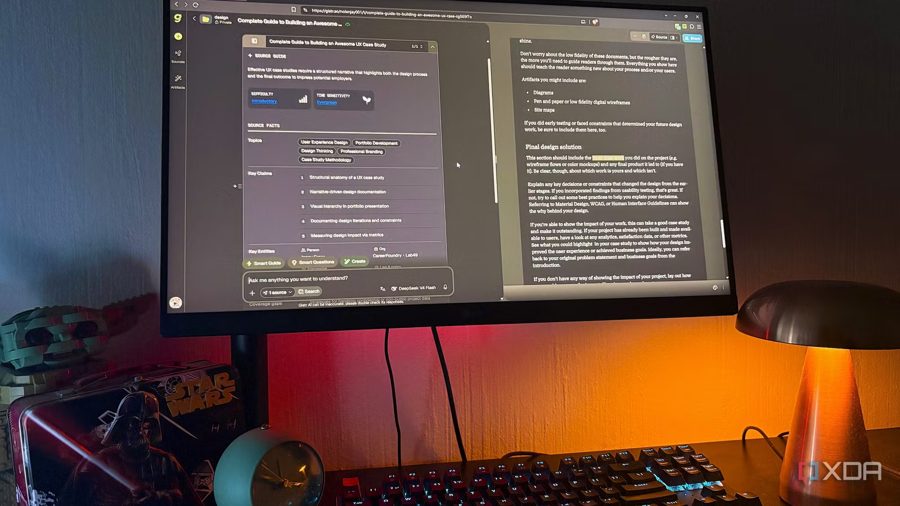
Copilot Notebooks now supports Markdown and other text files
Microsoft keeps refining Copilot Notebooks, this time expanding the range of files users can feed into the AI-powered research tool. Following a major redesign earlier this year, the service has added support for three new text formats: Markdown, plain text, and rich text. The update gives users more flexibility when pulling reference material into a notebook.
For those unfamiliar, Copilot Notebooks is a Microsoft tool that lets you upload documents and then ask Copilot questions about their contents. Until now, the service was largely tied to the Microsoft 365 ecosystem, supporting formats like Word, Excel, PowerPoint, PDF, Copilot Pages, and Loop files. That meant users who wanted to work with other types of documents had to convert them first or find a workaround.
With the new formats, that friction disappears. Users can now drop in README files, technical notes, logs, transcripts, and other text-heavy documents directly into a notebook, no conversion required. The Markdown support is arguably the most notable addition, given the format's surge in popularity alongside the rise of AI agents, which commonly rely on .md files for context and instructions.
Microsoft also shared several practical scenarios to try with the new capabilities. You can export a meeting transcript, upload it, and ask: "What did we decide, who owns each action, and what remains unresolved?" For support teams, the suggestion is to add a plain-text export of support tickets and ask about the most common issues and emerging themes. Another use case involves investigating an incident: upload a README and a system log, then ask Copilot to compare expected behavior with what actually happened before the failure. The update positions Copilot Notebooks as a more versatile tool for working with unstructured text, not just office documents.