Beyond Ctrl+C: what's your go-to keyboard shortcut that everyone should know?
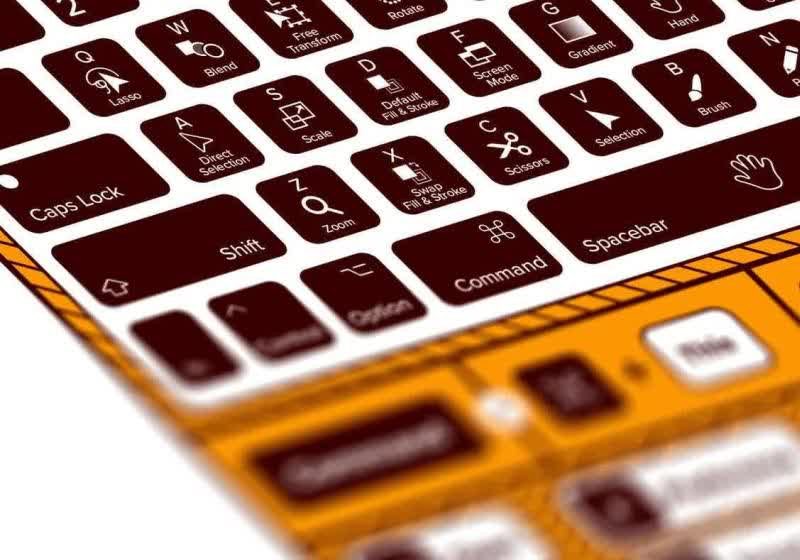
A tech publication has asked its readers an open-ended weekend question: aside from the universal staples like Ctrl+C, Ctrl+V, Ctrl+Z, and Alt+Tab, which keyboard shortcut do you use the most? The responses so far reveal a wide range of productivity habits, with some shortcuts being surprisingly personal.
One staff writer named Ctrl+Shift+V as his top pick. This combination pastes text without formatting, which he relies on daily when moving content between documents and web pages. He also uses Ctrl+T constantly to open new browser tabs, while Ctrl+Shift+T has saved him countless times by restoring accidentally closed tabs. Another favorite is Ctrl+Shift+S, which he has remapped to a third-party screenshot tool for quickly capturing and annotating parts of the screen.
Not all frequently used shortcuts involve the keyboard. On his MacBook, the three-finger swipe gesture on the trackpad to switch between virtual desktops has become so automatic that he no longer thinks about it. The gesture effectively replaces Alt+Tab for him in macOS.
Other power users shared their own essentials: Win+V brings up clipboard history, allowing multiple pastes from recent copies; Ctrl+Shift+Esc opens Task Manager directly, bypassing the Ctrl+Alt+Del screen; Win+E launches File Explorer instantly; and Ctrl+Backspace deletes an entire word at once, saving time over repeated presses. The publication noted that it compiled a massive list of shortcuts years ago, and many of them remain useful today.
The question is now open to readers: what is the keyboard shortcut you use most often, excluding copy, paste, undo, and window switching? And more importantly, which one do you think everyone else should know?