USB4 vs USB-C: why your old cable won't hit 40 Gbps
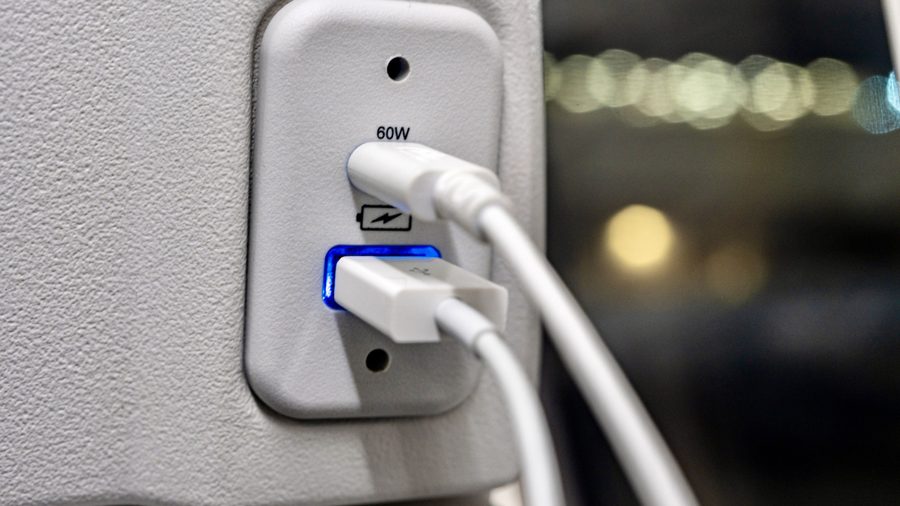
USB4 and USB-C are often confused, but they are two completely different things. USB-C is the physical connector you plug your charging cable or peripheral into, while USB4 is the latest data transfer standard. Every USB4 cable uses a USB-C connector, but the reverse isn't true: older USB-C cables won't support the higher bandwidth of USB4.
The practical difference becomes clear when you look at speeds. If you bought your laptop or PC before 2019, its ports are limited to USB 3.2, which caps out at 10 or 20 Gbps depending on the generation. USB4, which launched in 2019, delivers up to 40 Gbps even in its first generation. That's enough bandwidth for a single cable to power an entire setup, including external monitors, docking stations, and lightning-fast SSDs.
There's an important caveat: if you plug a USB4 device into a USB 3.2 port, you'll be limited to that older standard's maximum speed of 10 or 20 Gbps. The full 40 Gbps is only available when both connected devices support USB4.
How can you tell if your device has USB4? If you bought a PC or laptop from 2020 onward, there's a good chance it supports the latest standard. The most reliable way is to check the port itself: it should have either a "USB4" label or a Thunderbolt lightning logo, since USB4 incorporates Thunderbolt 3 technology. However, not all manufacturers mark their ports, so if there's no label, it's worth checking the specifications in your device's documentation.
The bottom line is that choosing a USB4 cable makes sense only if your hardware supports it. On older machines, you'll be stuck with USB 3.2 speeds no matter what cable you buy. But if you have a newer device, a USB4 cable unlocks the full potential of your setup, letting you connect high-resolution monitors, fast external storage, and multiple peripherals through a single port.