Mini PCs can't replace a real NAS: key limits for backup workloads
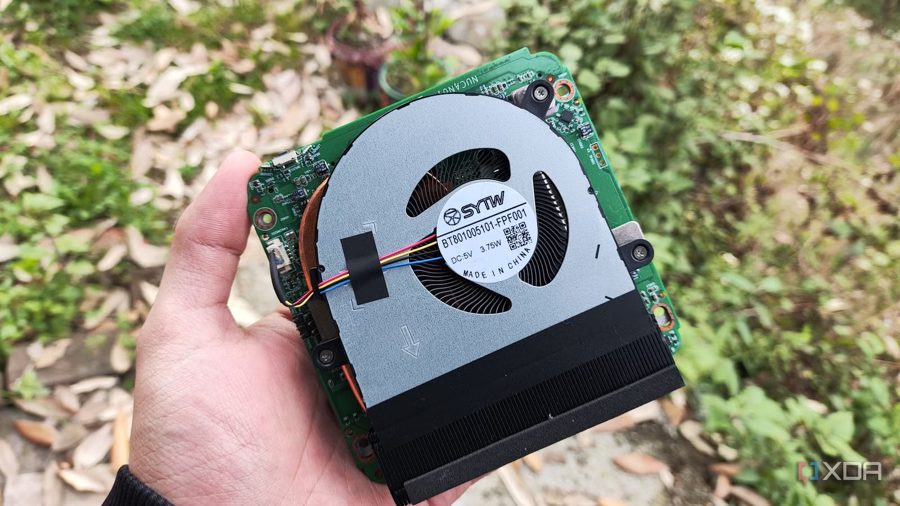
Using a mini PC as a secondary backup server for simple file sharing or remote snapshot replication is perfectly fine, and in 3-2-1 backup schemes such a setup works well. However, for proper data archiving and storage, these tiny computers fall short, and enthusiasts who recommend them to beginners tend to overlook several serious drawbacks.
The biggest issue is drive bay capacity. Modern mini PCs typically come with at most two M.2 SSD slots, ruling out hard drives entirely. Even home-server-oriented systems usually offer just one bay for 2.5-inch drives. For a user who gradually accumulates a media library and growing volumes of important files, that space quickly runs out.
Cost adds another problem. Moving entirely to SSD pools for archival storage is impractical: solid-state drive prices have risen noticeably over the past few months. Buying an extra NVMe drive for a mini PC will be expensive, and that money would be better spent on a dedicated NAS chassis with support for multiple HDDs.
Beyond storage limitations, mini PCs trail dedicated NAS units in expandability. A custom-built server can accommodate an HBA controller, a high-speed network card, and dozens of hard drives. A compact chassis allows none of that, making it a poor foundation for a serious storage system.
So, for one-off syncs or backups of small volumes, a mini PC will do. But for a long-term archive with growing needs, it is wiser to look at a dedicated NAS with room for several hard drives from the start, despite the apparent appeal of a compact, power-efficient mini PC.