Hotel Wi-Fi attacks now trick travelers into installing malware — here's how to stay safe
Microsoft has issued a warning about a new wave of cyberattacks targeting hotel Wi-Fi networks. While earlier attacks redirected users to fake Microsoft 365 login pages, the latest variant is more dangerous: it tricks victims into installing malware that gives attackers full control over their devices.
The attack relies on a technique called CaptiveCrunch. When a traveler connects to a hotel's Wi-Fi and opens a browser, instead of the legitimate captive portal they see a fake page. The page claims that the Wi-Fi connection requires an update and prompts the user to install a "security certificate." In reality, this is a malicious file that, once executed, allows the attackers to remotely access the device, steal credentials, and move laterally within corporate networks.
Microsoft attributes these attacks to the threat group Midnight Blizzard, which has been active since at least 2023. The group specifically targets business travelers, as their laptops often contain access to corporate resources. By compromising a single device, the hackers can potentially breach entire organizations.
To protect against such attacks, security experts recommend several precautions. First, never install anything from pop-up windows or captive portals in public Wi-Fi networks. If the portal asks you to download a file or claims that an update is required, it is likely a scam. Legitimate hotel Wi-Fi portals typically only ask for a room number or a password.
Second, always use a VPN. A reliable VPN encrypts all traffic between your device and the internet, making it much harder for attackers to intercept or modify data. Even if the network is compromised, a VPN can prevent credential theft and malware injection.
Third, disable automatic Wi-Fi connection on your device. This prevents your laptop or phone from automatically joining known networks or open hotspots without your knowledge. You should also turn off Wi-Fi when not in use.
Fourth, always verify the URL of the captive portal page. If the address looks suspicious or does not match the official domain of the hotel, do not enter any credentials. A legitimate hotel portal will use a standard login page, not a file download prompt.
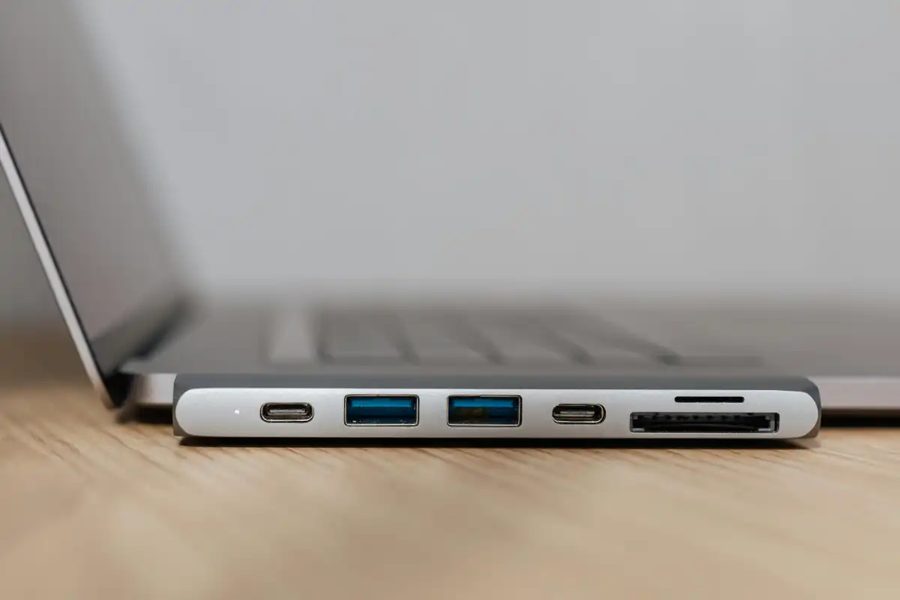
As an alternative, consider using a mobile hotspot or a USB cellular modem instead of public Wi-Fi. This eliminates the risk entirely, as your traffic goes through a private cellular connection rather than a shared network. For travelers who need to work remotely, this is the safest option.
Microsoft has also advised organizations to enforce multi-factor authentication and to monitor for unusual login attempts from devices that have recently connected to public Wi-Fi networks.