Google Messages beta adds long-awaited action menu and partial text selection
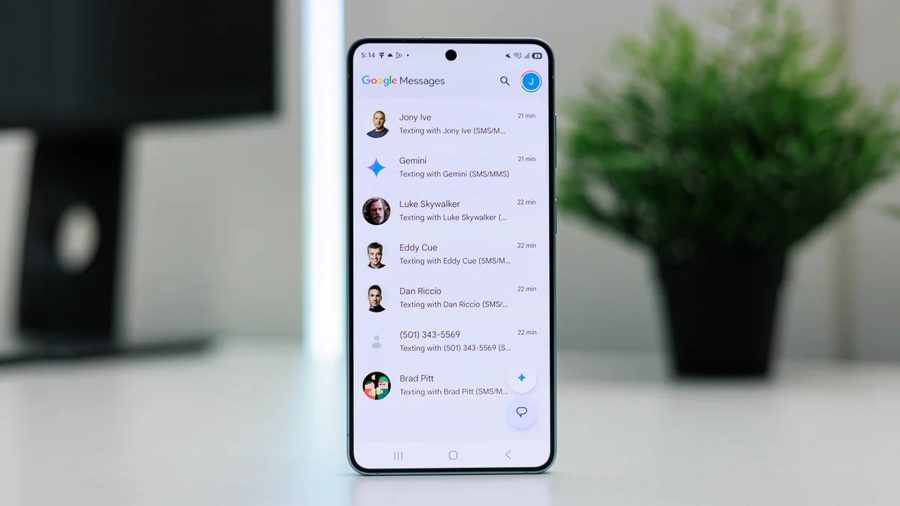
The latest beta of Google Messages has introduced two notable improvements that users have been waiting for. These are an updated long-press menu and the ability to select only part of a message instead of copying the entire text. The changes make the app noticeably more convenient, although Google could have added them much earlier.
With Samsung officially shutting down its own messaging app, Google Messages is likely to remain the only widely used messenger on Android. It already has important advantages such as RCS support and end-to-end encryption, but two basic features were missing. Now, it seems, they are finally arriving.
The first change affects the menu that appears when you long-press a message. Previously, it was inconvenient: first came a row of emoji and Photomoji, then four action buttons — Copy, Delete, Mark, and a three-dot button. To reach simple operations like Reply, Share, or Forward, you had to tap the three dots and open a secondary menu. Now, in the new version, all necessary action buttons are visible immediately on long press. A blur effect has also been added to the background, giving the interface a more modern look. The emoji panel remains unchanged and is still triggered by the same gesture.
The second improvement addresses a long-standing problem with copying text. Previously, there was no way to select just a fragment of a message — for example, only part of a sentence. You had to copy the entire text, paste it where needed, and then manually delete the extra parts. Now, this capability appears to be available.
The changes were first spotted back in January, but at the time they were limited to a small group of testers. Now the feature works on nearly all devices enrolled in the Google Messages beta program. For example, the new menu has already been seen on the Pixel 10 running Google Messages beta 20260803_03_RCO0.